Your Zoom account's Recordings section will show you both the Cloud Recordings you have done, as well as a list of all of the Local Recordings you have done. Cloud Recordings can be fully managed through this section of your account, while the Local Recordings will only show you what you've recorded, and where to find it on your local device(s).
To find both of these sections, please first start by going to your account. General information on logging in to the website dashboard is found here.
The direct path to your Recordings can also be accessed here and log in as necessary.
Cloud Recordings
To get to your cloud recordings from the web resource,
- Visit yorku.zoom.us and sign in using your Passport York credentials.
- Click the red Sign In button on the welcome page.
- Click on your profile picture in the top right, then Settings

- Once signed in, click Recordings and Transcripts on the left hand navigation pane
Clicking on Cloud Recordings will show you what is in the cloud:

Your Cloud Recordings tab will be the default view for this section. Here, you can download, share and delete your recordings.
Local Recordings
You can get to the local recordings the same way you get to the cloud recordings above, except you'll click on Computer recordings:

Here you will see a list of all local recordings. If you are on the computer where the recording was made, you can use the Open and Delete buttons to manage this content. Attempting to open the recording created on a different computer will give you the following message:
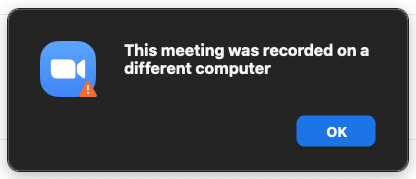
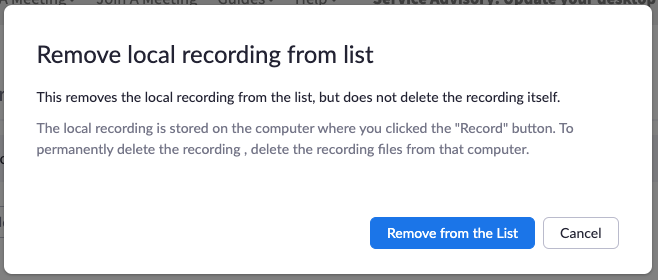
Deleting the Local Recording information through the Web portal will simply remove its association from your account. This will not delete any local recording from your computer. You will have to go to that computer and manually remove it yourself. Luckily the Local Recordings list has both the Computer Name and the Locations columns that will show you which Computer to look at, and in what directory those files will be. Clicking the Delete button will give you the following prompt:
More information can be found at Zoom's support pages, here:
Finding and viewing local recordings
Managing and sharing cloud recordings: